
 New members should understand and agree to the use of their data. Your community's informed consent will be inserted at this point in the process.
 You may wish to include some questions of the respondent. These can help to ensure an understanding of your informed consent. After review, registrants acknowledge an understanding of your privacy policy and other stated terms and agree to the use of their data.
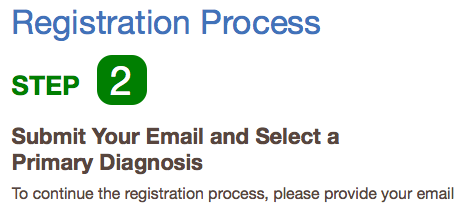 Next, we ask for an email and send the registrant a confirmation note. It contains a link that automatically logs the new registrant into the system. This steps does require the registrant to access their email but works best to ensure we have valid contact information should the user needs some extra help during registration.
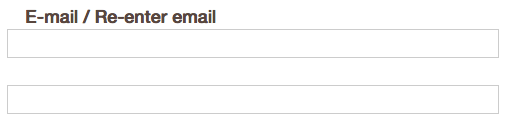
Occasionally, new registrants will need a reminder to complete registration. Email is the only way to send those reminders. We ask users to enter their email twice to make doubly sure it was entered correctly. (We have migrated data from many other systems that take different approaches to registration. They often have lots of invalid emails. And, yes. That surprises us too.)
 Finally, we get to step 3. Here, the user sets a new password, enters their name, and usually some information about their role in the community. They can opt in or out of news and other notifications. Patients can confirm their diagnosis, if that was requested in Step 2 or they can enter a diagnosis at this step. We recommend that you keep things as simple as possible in this step but you can gather more or less information at this stage as you see fit.